


Cross-team goal tracking and improved project communication
Atlas’s structured team directory helps you quickly find all team members working on a project or the relevant points of contact. Easily gain an understanding of the structure of the teams and use organisational lines to facilitate project escalation. With Atlas, you can break down information silos and make it easier for your teams to understand shared goals and achieve them effectively.
Visualise your team directory

With Atlas, stakeholders can quickly find out who your team members are. By grouping team members by department, location and job title, the days of spending ages searching for relevant colleagues are a thing of the past.
Structured team directory
Quickly find out how a team is structured. Simply connect Atlas to Access, Okta or Azure and synchronise user information. Combine filters such as objectives, team names or job titles to quickly identify which teams are working together to achieve a goal.
Do you urgently need to know who is responsible for a task in your project and who is working on it? No more time-consuming enquiries to find the right person, as Atlas links your teams to their respective tasks. This means you can quickly find the person responsible within a project and track how far they have got with the task.
Image source: Atlassian.com

As well as a structured team directory, improved project communication and clear goal tracking, Atlas also offers you numerous other benefits, such as automation, straightforward reporting and much more:

Automation
Automate your project progress by linking to Jira Software and update your project status regularly to automatically notify stakeholders

Better coordination
With Atlas, you have a central hub for communication within your teams. You can find team members, project updates and all relevant information in one place on the project page

Brief updates
Keep your stakeholders up to date with brief updates no longer than a tweet

Simple reporting
Dynamic reports that are automatically updated, combined with a powerful search function, make it easy for you to provide seamless reporting to all stakeholders
We are your trusted Atlassian Platinum Partner

As an Atlassian Platinum Solution Partner and Cloud Migration Specialised Partner for EMEA, you’ll benefit from our extensive experience and best practices gained from numerous client projects. Put your trust in Communardo to set your projects on the path to success. We provide all services from a single source.
As an Atlassian partner, we’re here to support you. If you have any questions or need assistance, please feel free to contact us.
Goal Tracking
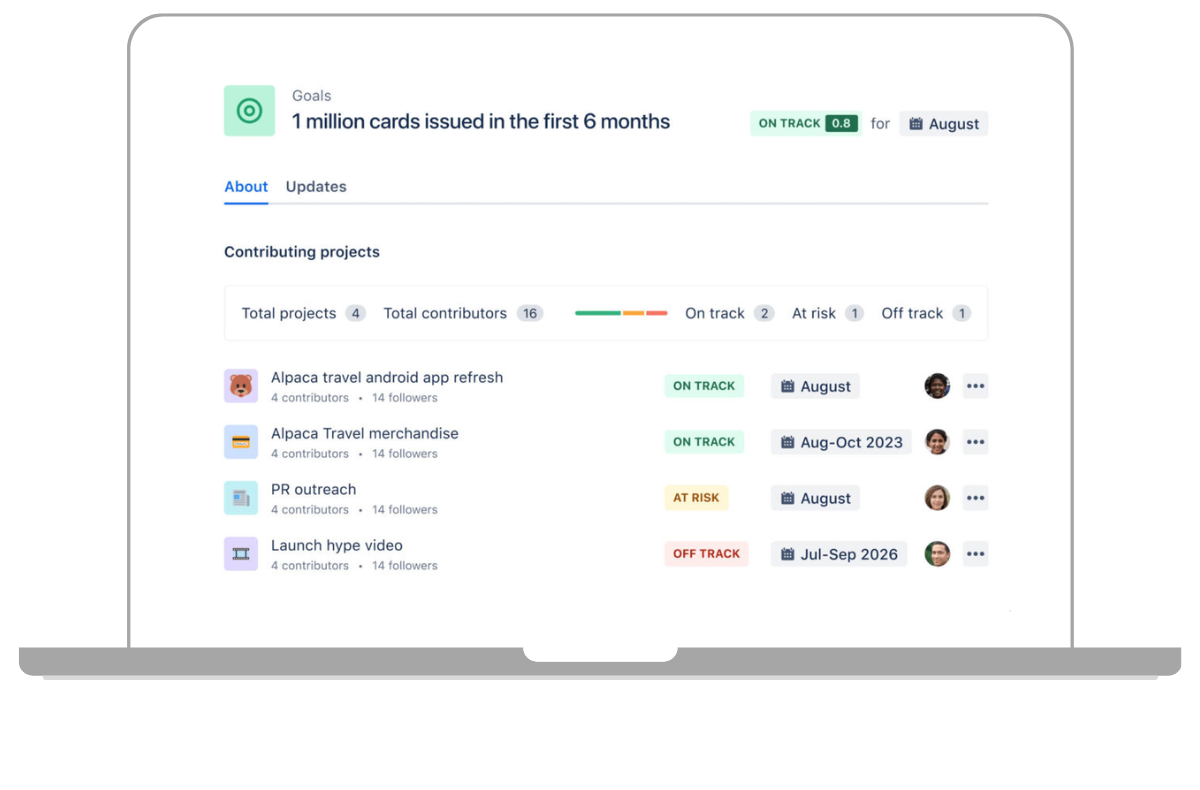
With Atlas, you get clear goal tracking within your own framework. Whether it’s SMART goals, OKRs or KPIs – Atlas can be adapted to any goal framework. In addition to the overarching goal, you can define individual sub-goals and responsibilities and tag them with topics.
Project communication
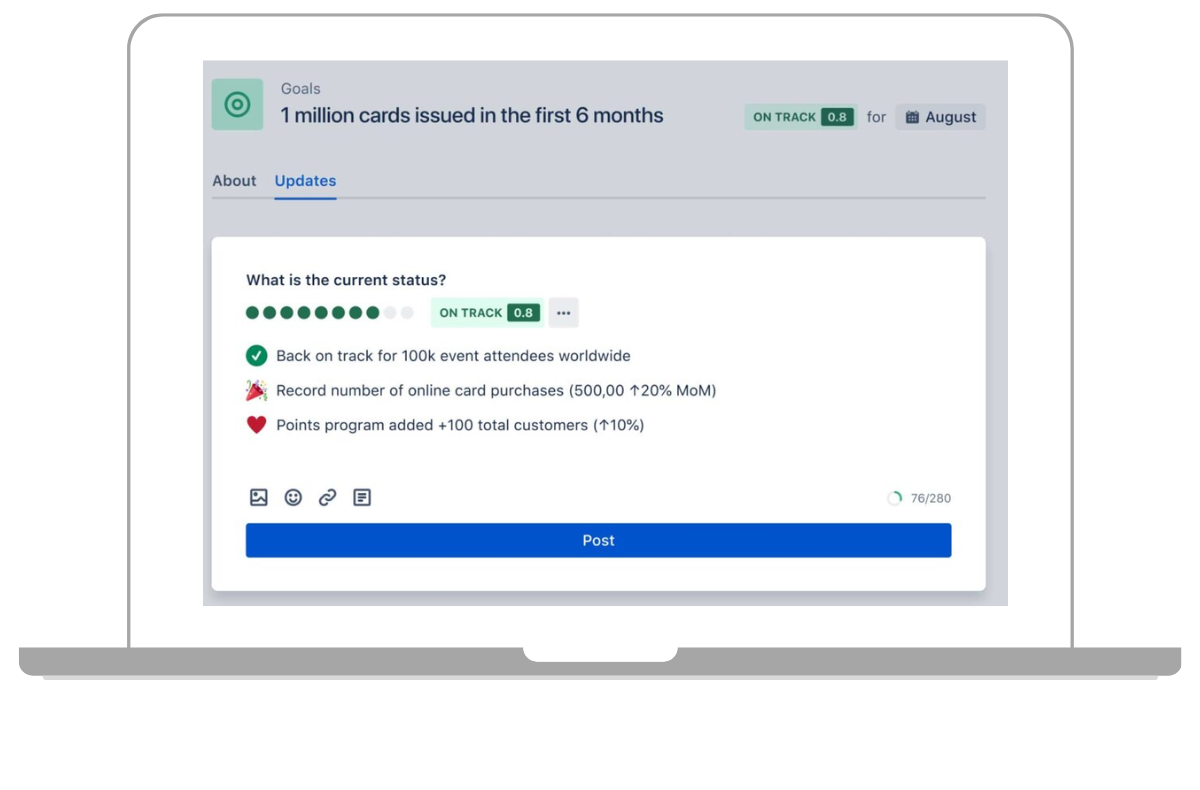
Endless spreadsheets, presentation slides and status meetings are a thing of the past. Use Atlas to keep your teams up to date via project pages and social media-style project updates.
Image source: Atlassian.com

Working with them has always been straightforward and efficient. The migration went smoothly. Whenever we had any queries, the team was quick to offer help and advice.
FAQ
No. However, you can link Atlas to Jira to complement Jira’s project tracking with cross-team project communication via Atlas.
No. Atlas is a cloud-based product and is not available in a data centre version.
Other services


Would you like to find out more about Atlas?
Do you still have questions about Atlas’s features and pricing? Arrange a personal, no-obligation consultation with our Atlassian Sales Experts.

Your contact person
Marlen KaiserWe're happy to help you
- Kleiststraße 10a, 01129 Dresden, Germany
- Tel: 0800 8 776 776
- sales@communardo.de