


The double package: IT services and IT support
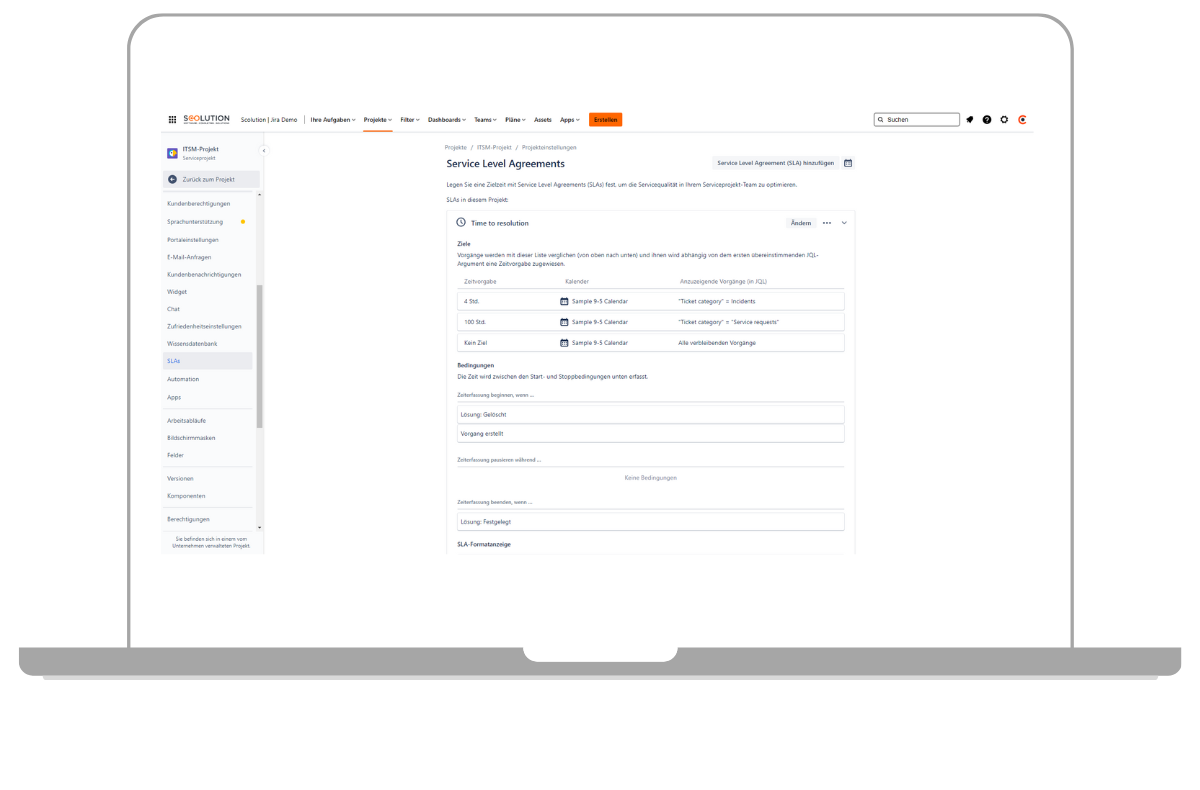
With Jira Service Management, you get the full package. This ITSM solution consolidates external and internal support requests into a single ticketing system. Your service team can process these tickets in a structured manner using the browser-based tool, thereby ensuring compliance with your service level agreements. Those seeking help can find answers to frequently asked questions directly in an optional knowledge base. This Atlassian product is ideal for teams working in incident, change and problem management.
Our colleagues at Scolution provide an insight into the Jira Service Management ticketing system in this video.
Advantages when working
Which functions does Jira Service Management offer?

The Jira ticketing system offers a wide range of features, and thanks to customised integration, it can be tailored precisely to your business.
✔ Flexible page permissions
✔ Real-time notifications
✔ Powerful search filters
✔ Integrated task management
✔ Extendable with add-ons
✔ Page labels for organisation
✔ Mobile access
✔ Easy sharing
of information ✔ Interactive ticketing solution with Slack and Microsoft Teams
We are your strong Atlassian Platinum Partner

As an Atlassian Platinum Solution and Enterprise Partner, you benefit from our extensive experience and best practices gained from numerous client projects. Put your trust in Communardo to set your projects on the path to success. We provide a one-stop shop for all your needs.
As an Atlassian Partner, we’re here to support you. If you have any questions or need assistance, please feel free to contact us.
An insight into Jira Service Management
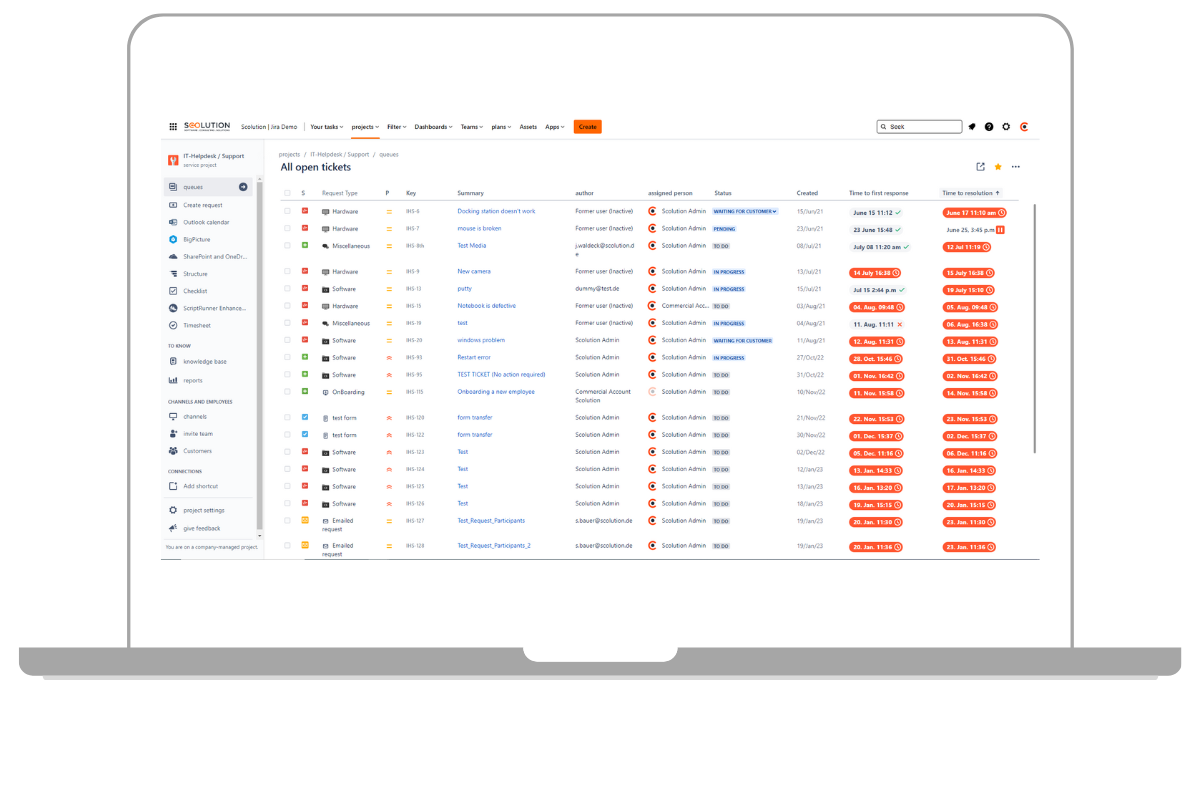
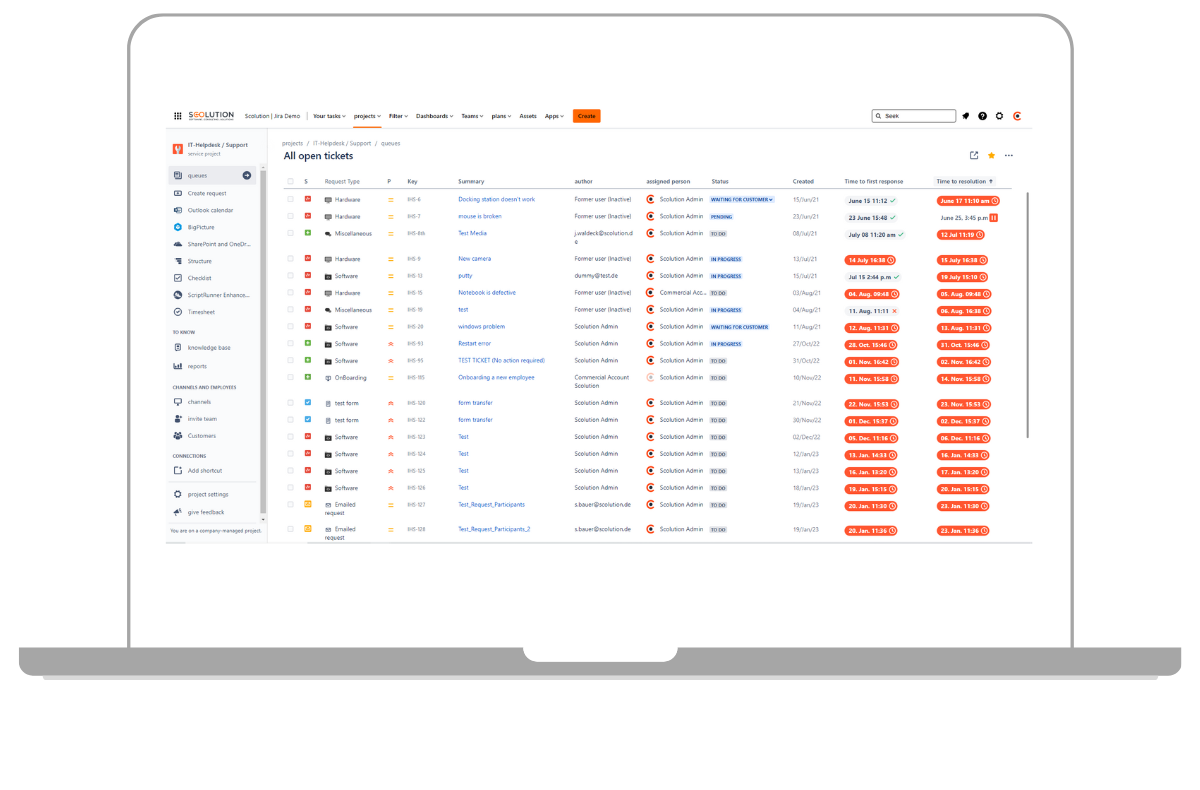
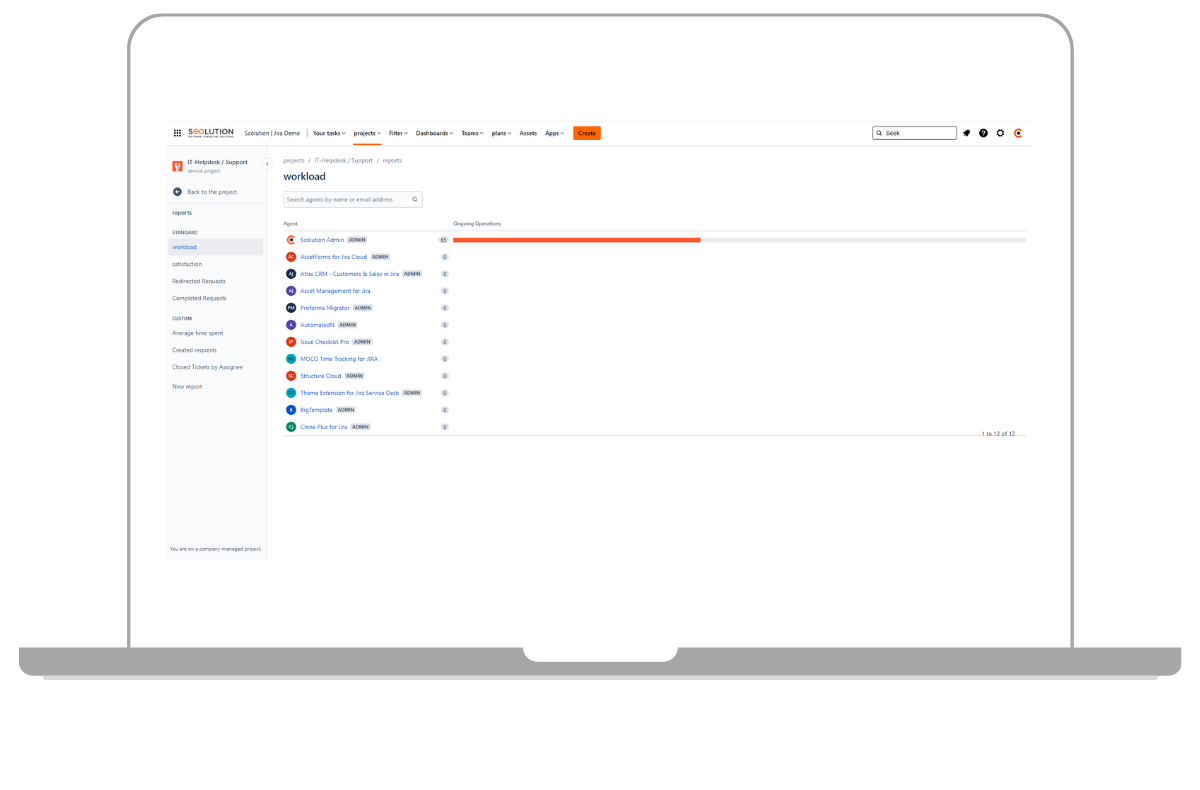
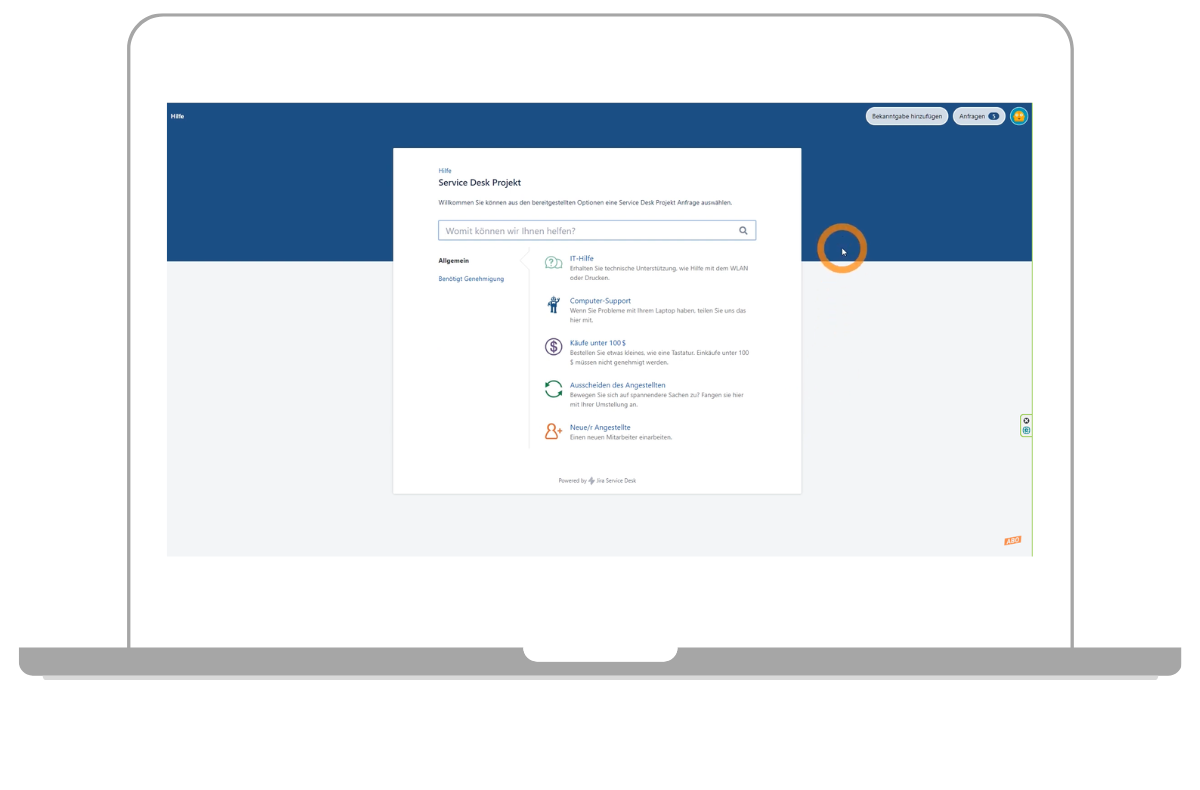
When working with Jira Service Management, you will inevitably come across the terms ‘agents’ and ‘customers’. Agents process incoming tickets and communicate directly with the person seeking help, either from the back office or directly with your customers. A customer is defined as any user who submits a request via email or through a customer portal. The difference becomes clear when you look at the respective view in the Service Desk.

Smooth synchronisation with Slack and Microsoft Teams
Support your team right where they work with a chat-based helpdesk. With the Jira Service Management Chat feature, you can manage enquiries directly from Microsoft Teams or Slack and convert them into support tickets. This helps you avoid transcription errors and eliminates the need for additional manual steps. Boost your team’s productivity and speed up problem resolution.
The team always manages to turn our wishes into creative and well-functioning solutions. With their support, we have been able to optimise our internal processes and now work even more efficiently.
How Jira Service Management can be used
We follow a structured process when advising on and implementing Jira Service Management and other solutions. Thanks to our experience and tried-and-tested approaches, you can get started right away within just a few weeks:
These are the next steps
Free consultation appointment
During the appointment, we will discuss your current situation and what you would like to achieve. Free of charge and without obligation!
Offer
Following the consultation, you will receive a non-binding offer and information on the next steps.
Implementation
Together, we coordinate the specific course of the project. We coordinate and schedule the necessary steps for you.
Go-Live
After an extensive test phase, we prepare everything for the go-live. This also includes training your users and administrators.
Continuous support
We are also happy to provide you with long-term support in optimising your corporate strategy and are available to answer any questions you may have.
Our satisfied customers

FAQ
Jira Service Management is a ticketing system designed to map and organise the tasks of your IT and service teams. Incoming support requests are managed centrally in a single tool and automatically converted into tickets. Your service team can process these tickets in a structured manner using the browser-based tool, thereby ensuring compliance with your service level agreements. Thanks to flexible workflows, automation options and comprehensive extensibility, you can adapt Jira Service Management to the requirements of your team’s ITSM environment.
Jira Service Management supports you in IT service management. This Atlassian product is ideal for teams working in incident, change and problem management. Jira Service Management scales effortlessly thanks to pre-built ITIL workflows and sophisticated user management. Interfaces with other Atlassian products, such as Jira Software, ensure error-free end-to-end service delivery across departments. Suitable for small and medium-sized enterprises as well as large corporations.
The cloud version of Jira Service Management is free on the Free plan. The Free plan includes 3 agents and up to 2GB of storage. If you need more capacity, you can take advantage of a free trial period for Standard or Premium accounts for up to 7 days. Jira Data Centre can be tried for free for up to 30 days.
Jira Software is a bespoke product designed specifically for software teams. As such, Jira Software combines powerful integration with developer tools with the key elements of agile development. Jira Service Management is ideal for your IT and service teams, offering everything you need for out-of-the-box management of incidents, problems and changes.
On our blog, we’ve summarised the similarities and differences between Jira Software and Jira Service Management in a concise overview.
Would you like to know more about Jira Work Management? We explain the differences between the three Jira products in our YouTube video.
Further services


Ready to take the next step?
Arrange a personal, no-obligation consultation with our Atlassian Sales Experts.

Your contact person
Ihr Atlassian Sales TeamWir helfen Ihnen gerne
- Kleiststraße 10a, 01129 Dresden
- Tel: 0800 8 776 776
- sales@communardo.de