


Auto-Connect SharePoint Folders to Jira Work Items
New in SharePoint Connector for Jira Cloud
Keeping your documents connected to the right Jira issues just got a lot easier. With the latest update to SharePoint Connector for Jira Cloud, manual linking of SharePoint folders for every new issue is a thing of the past.
What’s New: Auto-Connect SharePoint Folders to Jira Work Items

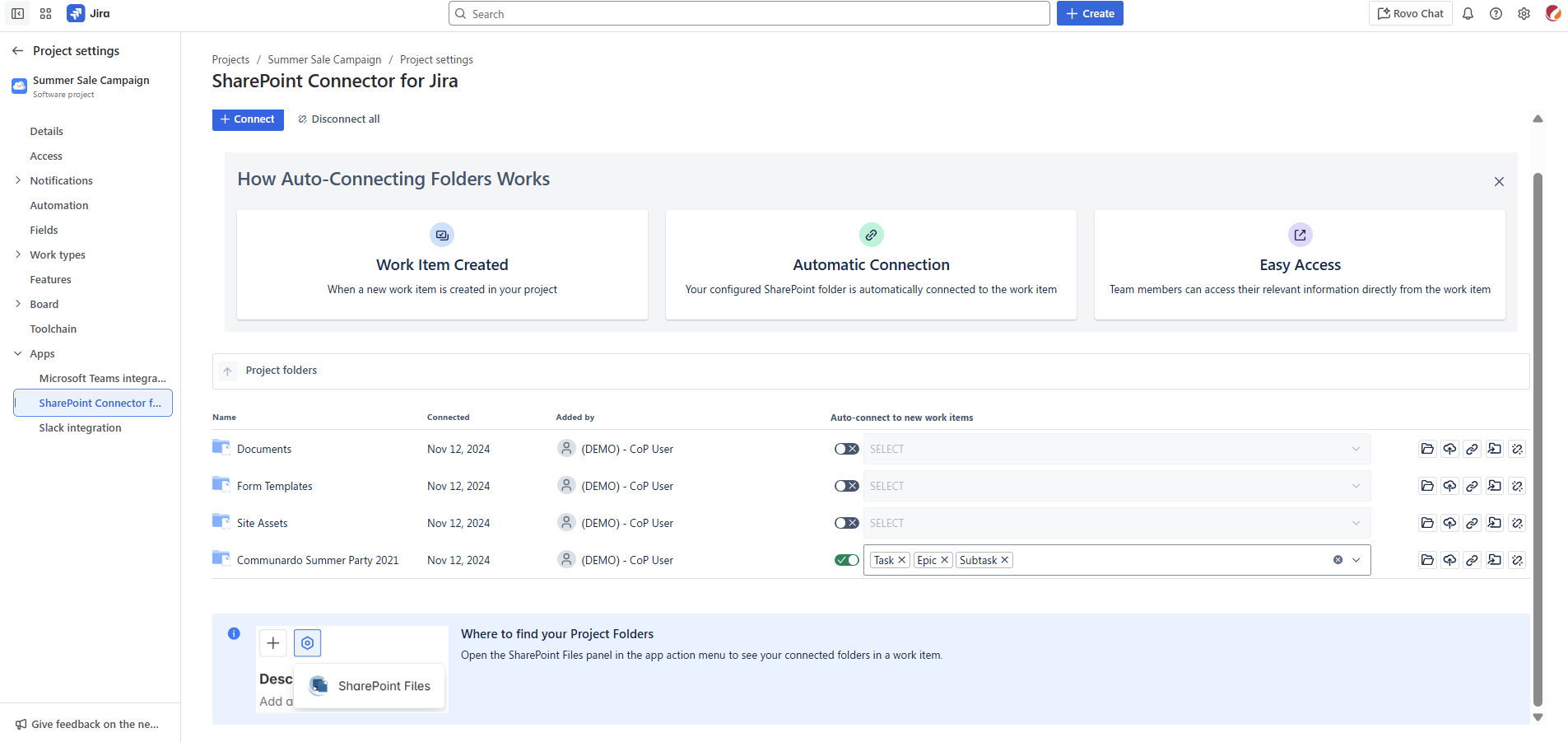
Previously, teams had to manually select a SharePoint folder every time they created a Jira issue, a repetitive step that slowed down collaboration and increased the chance of misplaced documents. Now, with Auto-Connect to Work Items, you can configure the connector once, and the correct SharePoint folder will automatically attach to the selected Jira work item type.
This means that whether you’re managing a project, tracking tasks, or handling service requests, your documents are always stored in the right place without extra effort.
Benefits for Your Team
- Save time: Focus on work that matters instead of manual linking.
- Eliminate repetitive steps: Set it up once for your project, and it works automatically.
- Improve collaboration: Teams can easily access the right documents without hunting for them.
Why This Matters
For teams working on multiple projects, keeping documents organized can be challenging. Misplaced files or inconsistent linking slows down workflows and can create confusion. Auto-Connect ensures your documents are always connected correctly, making project management smoother and more reliable.
Try Auto-Connect today with the SharePoint Connector for Jira and see how it can optimize your Jira workflows while keeping your SharePoint documents perfectly aligned.
