


How to Manage Legal Requests and Documents Across Jira and SharePoint
In many organizations, legal work begins in Jira.
A colleague submits a request for a contract review.
Another shares a draft and waits for feedback.
The legal team discusses changes, records decisions in comments, and updates the Jira issue until the request is resolved.
All files related to the case are stored in SharePoint. This includes working drafts, reviewed versions, and the final signed documents. SharePoint is the system of record for legal documentation.
Where the process used to fall apart
Once a legal request was marked as done in Jira, the work did not fully stop.
Even after closing the issue, the legal team still needed to:
gather the final versions of documents
upload them to the correct SharePoint location
ensure files were stored according to internal rules
rely on decisions that existed only in Jira comments
Later, when someone reviewed an old case, they often saw:
the document stored in SharePoint
but no clear reference to the Jira issue where discussions and approvals took place
The files were archived, but the reasoning behind them was hard to trace.
Documents and decisions lived in separate places.
What changed with SharePoint Connector for Jira
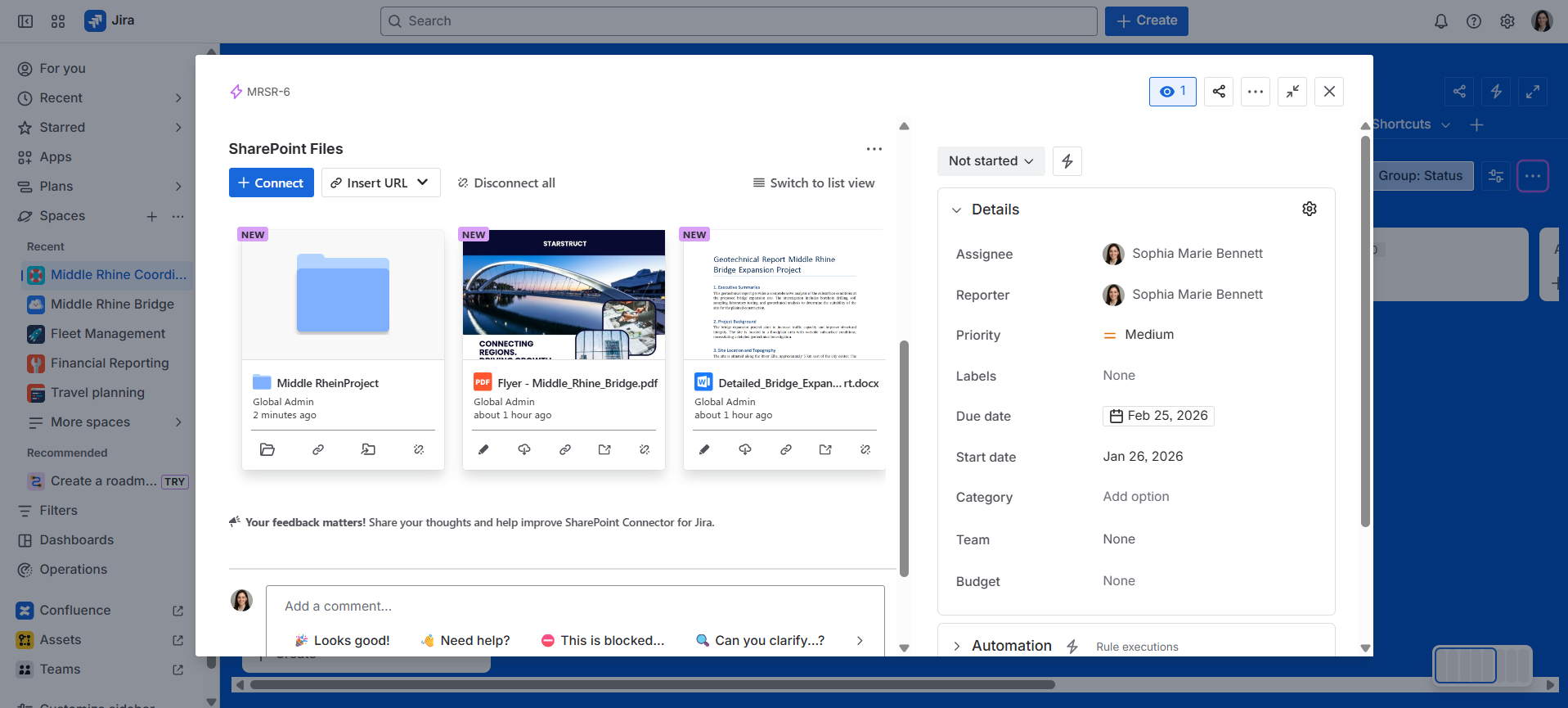
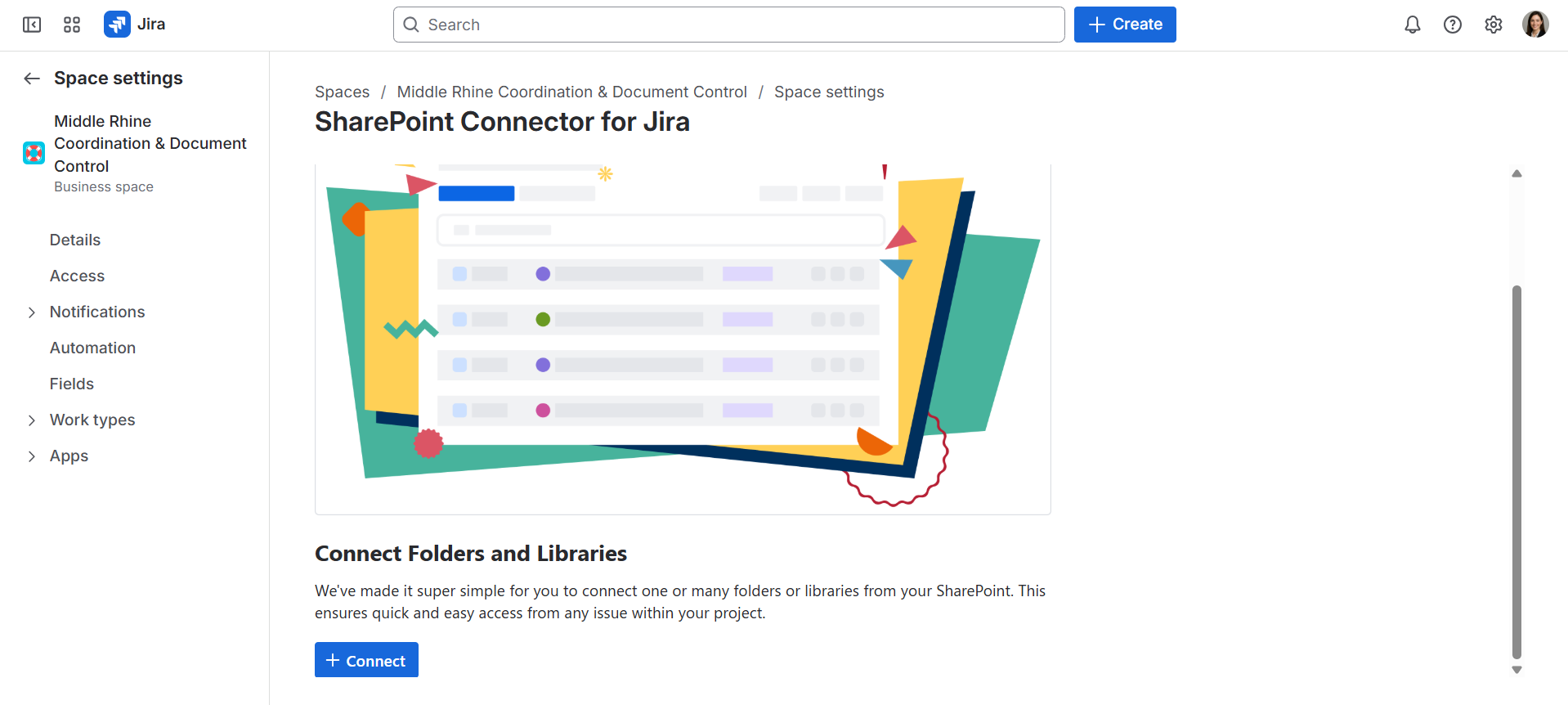
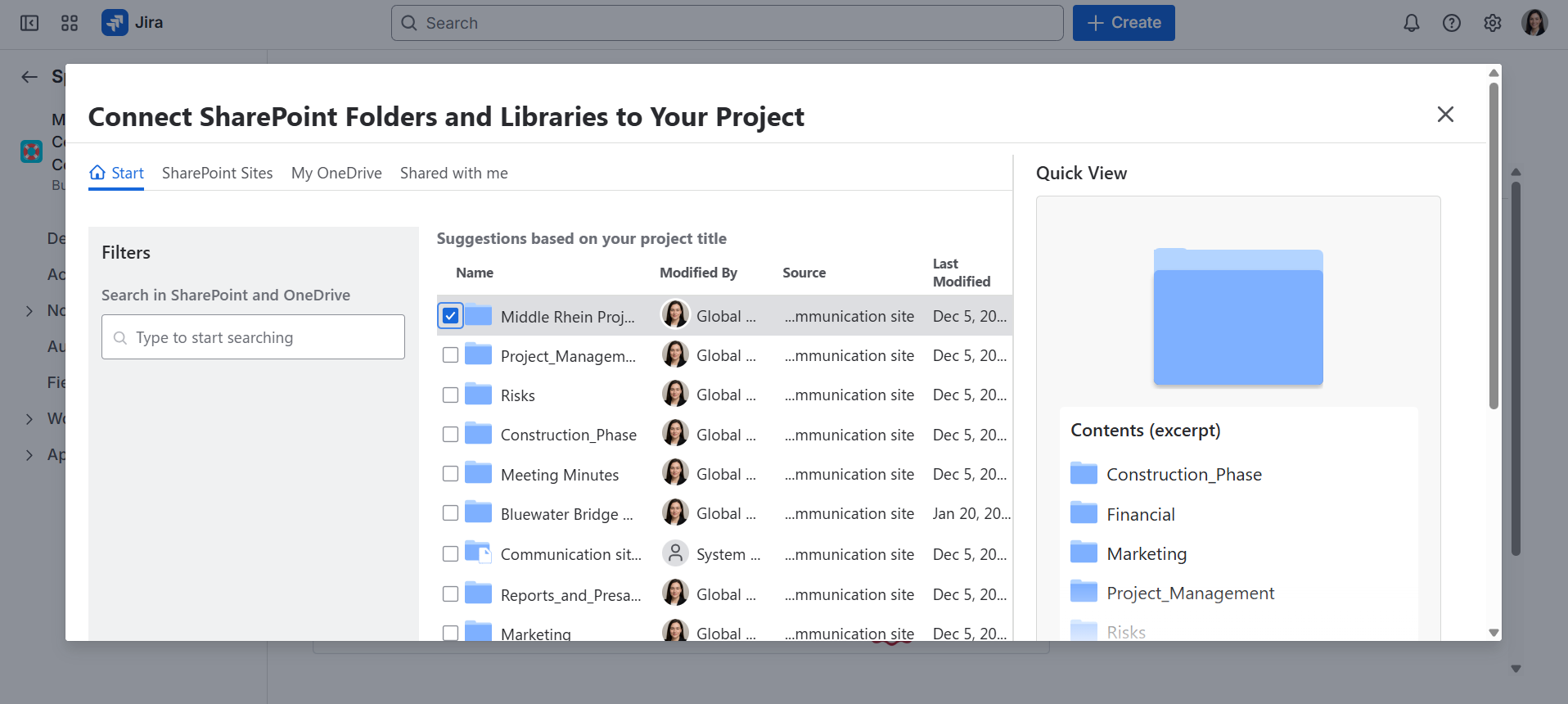
With SharePoint Connector for Jira, each legal request is connected to a SharePoint folder from the start.
Files shared in Jira are saved directly in SharePoint while the work is ongoing. There is no separate step to move documents at the end — the archive grows naturally during the process.
When the legal team needs insight into ongoing work, Jira data can be viewed from SharePoint:
Jira issues can be searched directly within SharePoint
Overviews can be created to show:
all legal requests
their current status
progress across active cases
These views support tracking and transparency without replacing Jira as the working tool.
Closing requests and keeping records complete
When a legal request is completed:
the Jira issue is closed
all related documents are already stored in SharePoint
For long-term records, the team:
keeps official documents in SharePoint
refers back to the Jira issue for:
decisions
approvals
explanations documented in comments
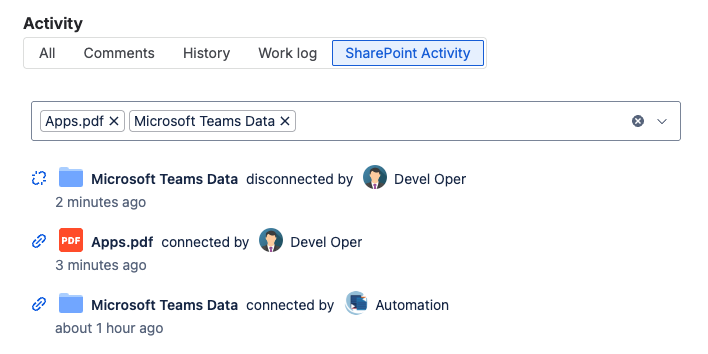
Jira remains searchable for context, while SharePoint serves as the document archive.
The outcome
With this setup, the legal team:
removes the need for manual file transfers
maintains SharePoint as the central place for legal documents
uses Jira for collaboration and decision-making
uses SharePoint to review documents and get an overview of legal work
Each finished request leaves behind:
a structured document archive in SharePoint
a complete Jira history showing how and why decisions were made
Both systems work together, without forcing one to replace the other.
Supporting legal teams with Jira and SharePoint?
Explore SharePoint Connector for Jira.
